Easily resize images online — quickly reduce image sizes or resize images in bulk.
или перетащите, вставьте или выберите из облака





Img2Go's photo resizer makes resizing images simple and fast. Effortlessly resize images online without losing quality. Whether you need to resize photos for web use, optimize for social media, or adjust image dimensions for printing, our flexible tool meets all your needs. With our image size reducer, you can quickly reduce the image size while preserving visual integrity.
Optimize images for any platform, improve website performance, and ensure faster loading times. You can even resize images in bulk, saving time for both personal and professional projects.
Explore the different ways to use our image resizer to optimize your images:
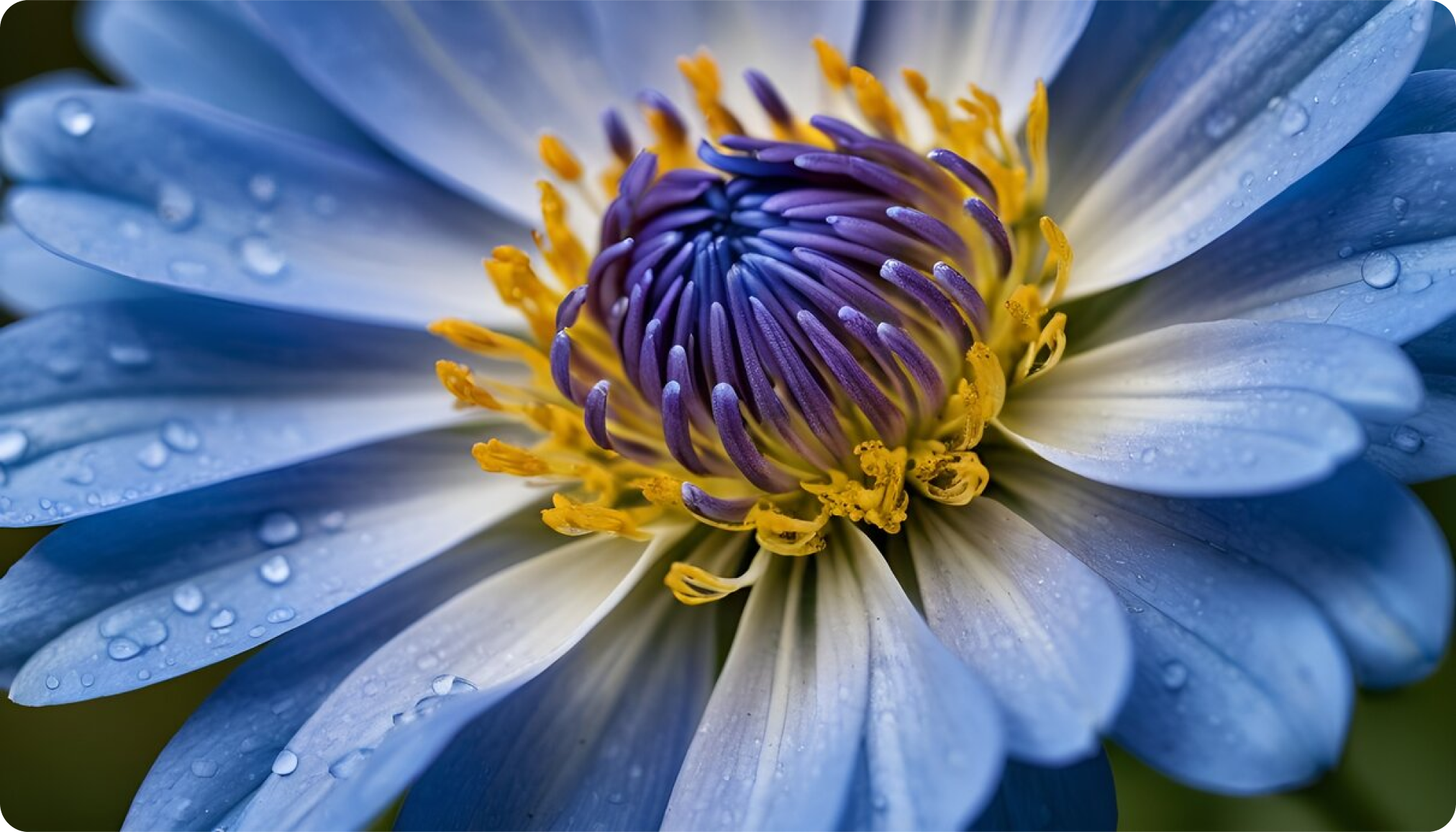
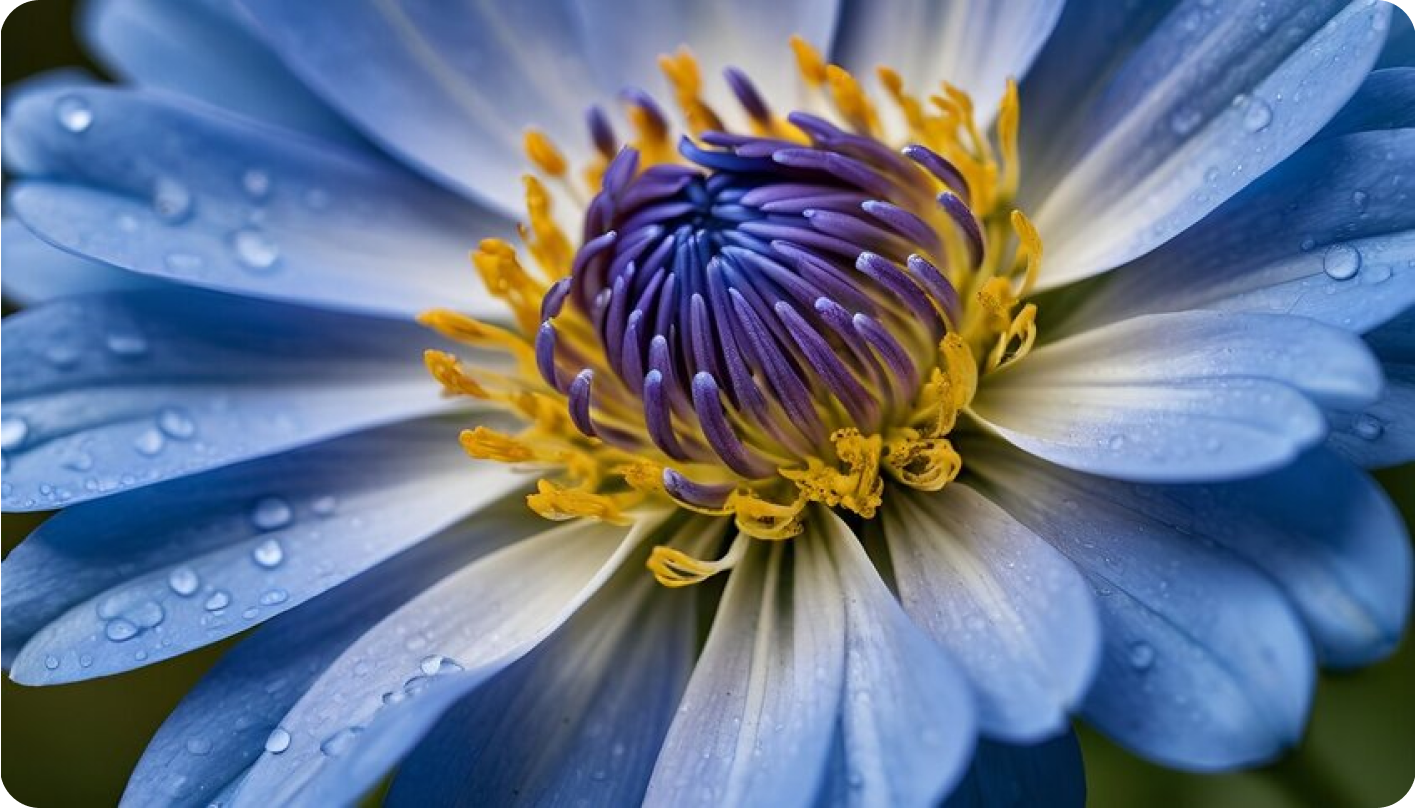
Scale your image up or down by specifying a percentage. This method maintains proportions, making it perfect for quick size adjustments for emails, web uploads, and more.
Original Image 100% (1210x691):
Downscaled Image 70% (847x484):
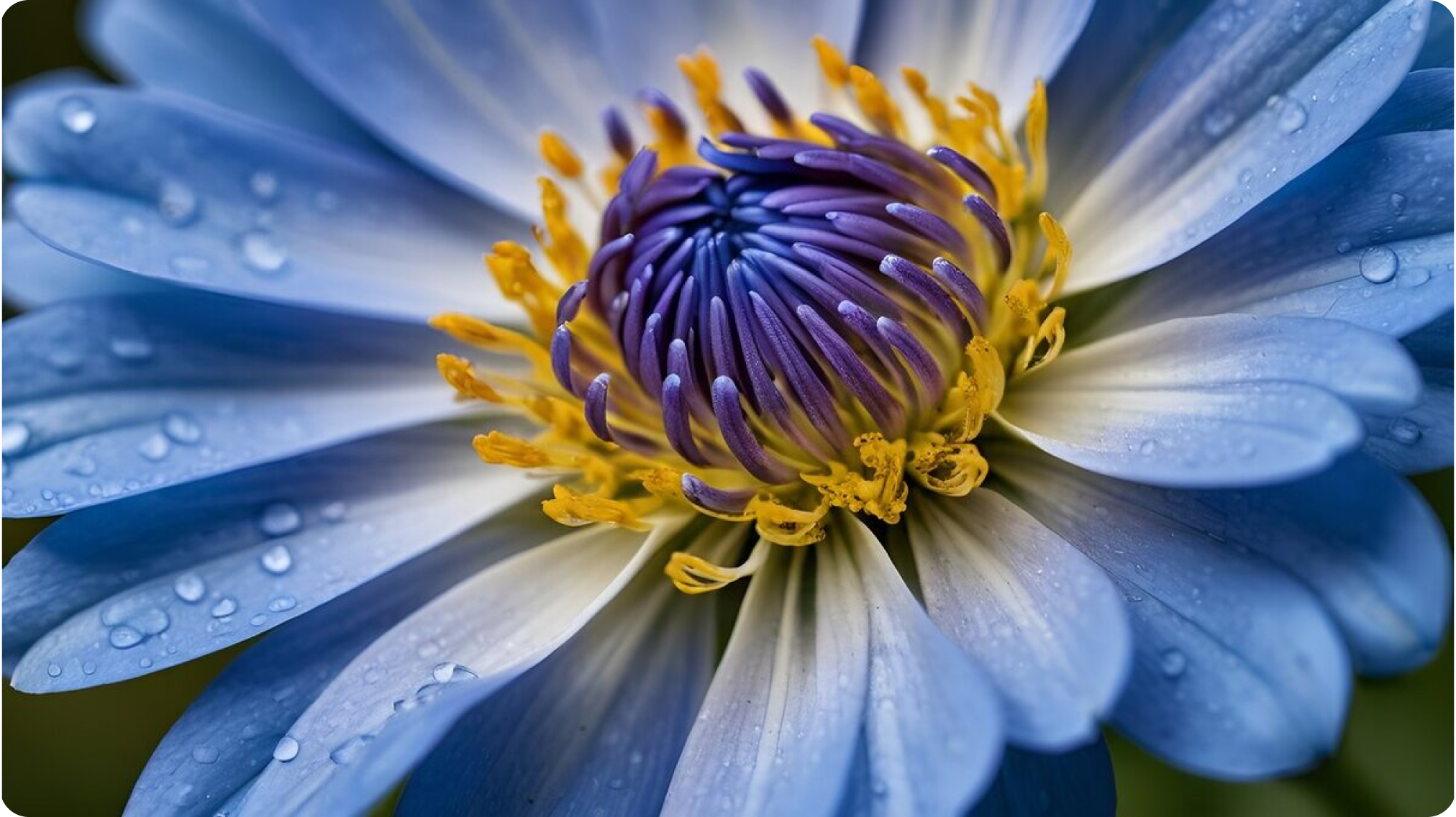
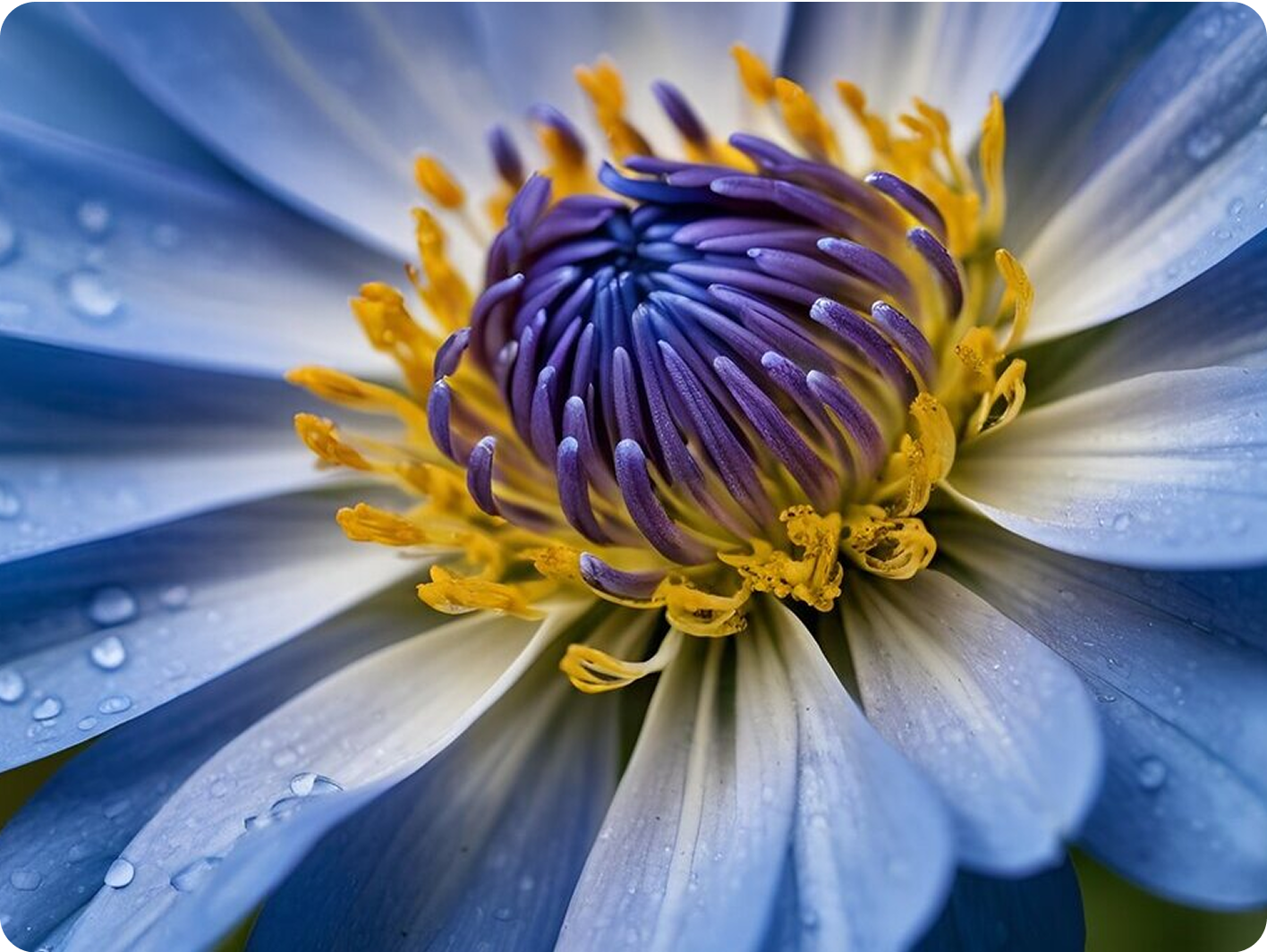
Ensure your images fit the desired format by selecting predefined aspect ratios, like 16:9 or 4:3. This option is ideal for making your photos look professional on any platform.
Aspect Ratio 16:9
The 16:9 ratio is ideal for widescreen displays:
Aspect Ratio 4:3
Aspect Ratio 4:3 is suitable for standard screens:
When using our image resize tool, you can select from various methods to ensure your images meet your specific needs:
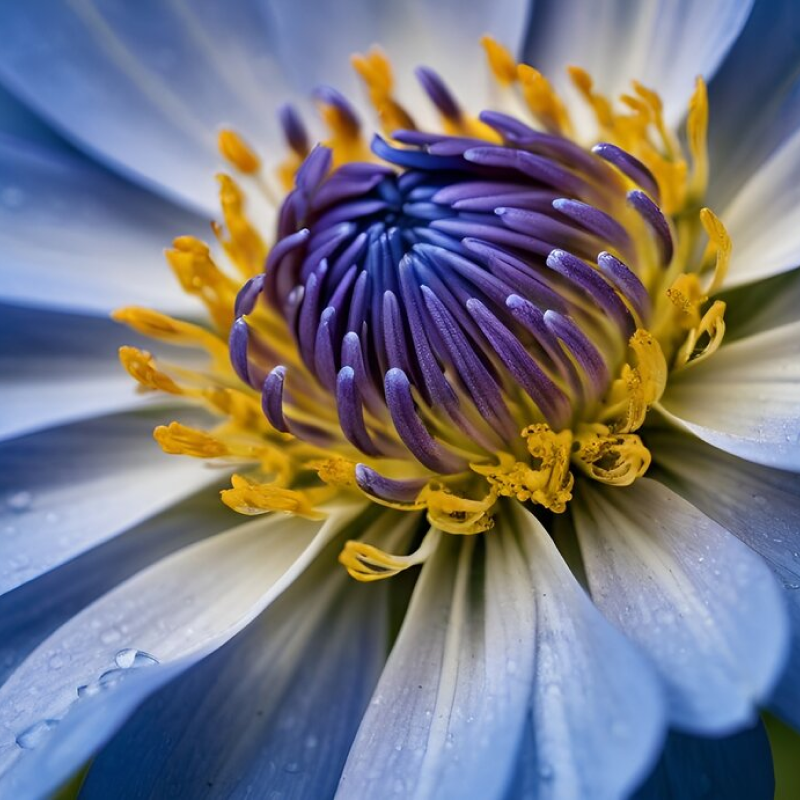
Stretching an image resizes it to the specified width and height without maintaining the original aspect ratio. This can be useful for fitting images into specific spaces.
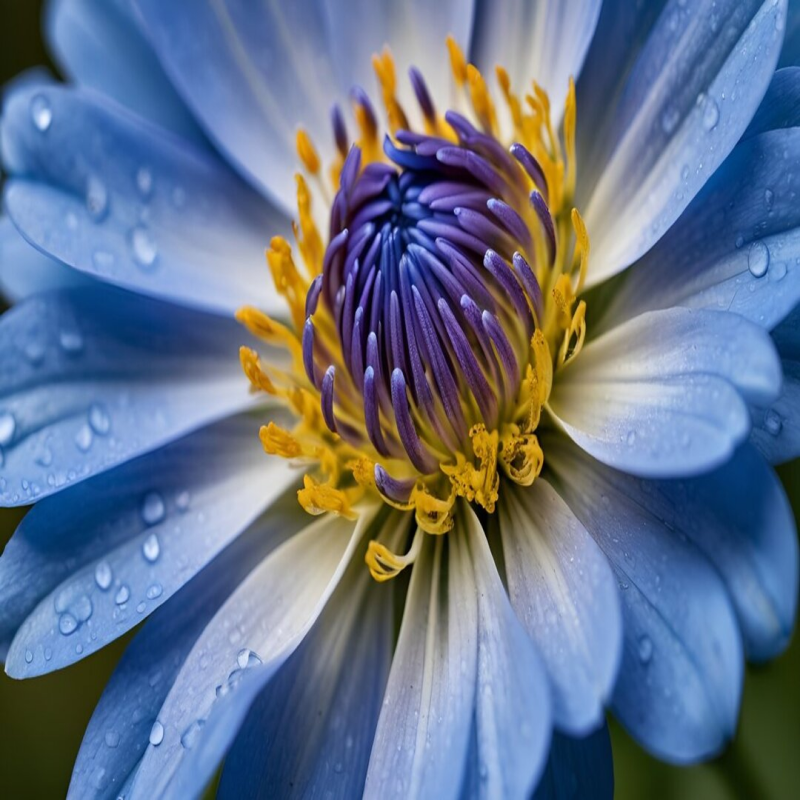
Fill adjusts the size of the image to completely fill the specified width and height, while maintaining the original aspect ratio. This means that the image will be potentially cropping parts of the image that exceed the given dimensions.
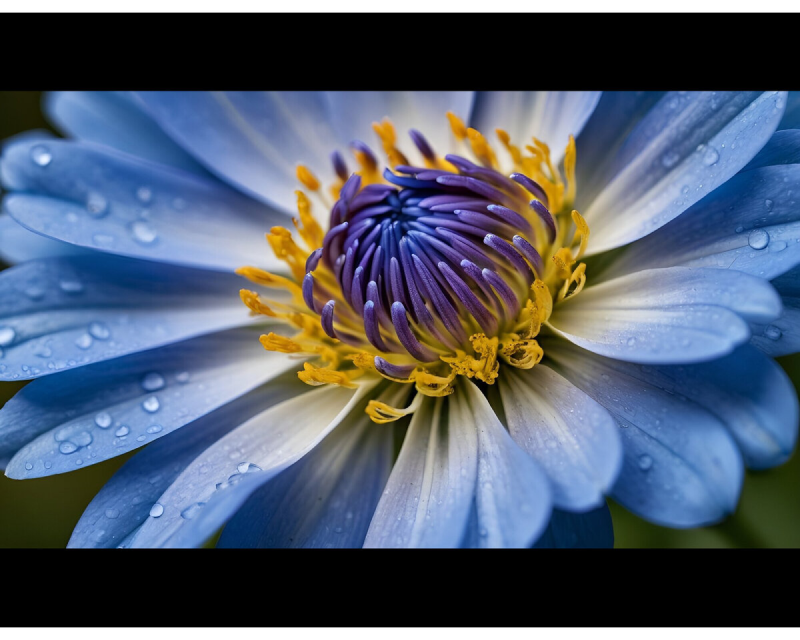
This option resizes the image while maintaining the original aspect ratio. If the specified dimensions create empty space, black bars will be added to fill the gaps.
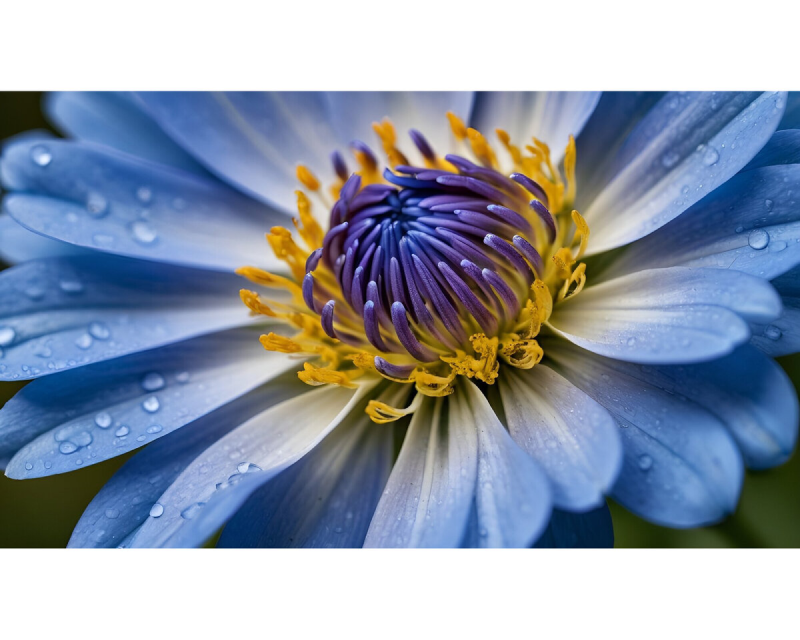
Similar to the black bars option, this keeps the original aspect ratio intact but fills any extra space with white bars.
This option also maintains the original aspect ratio. Instead of adding plain bars, it fills the extra space with a blurred version of the image. Create a seamless transition that maintains the visual appeal.
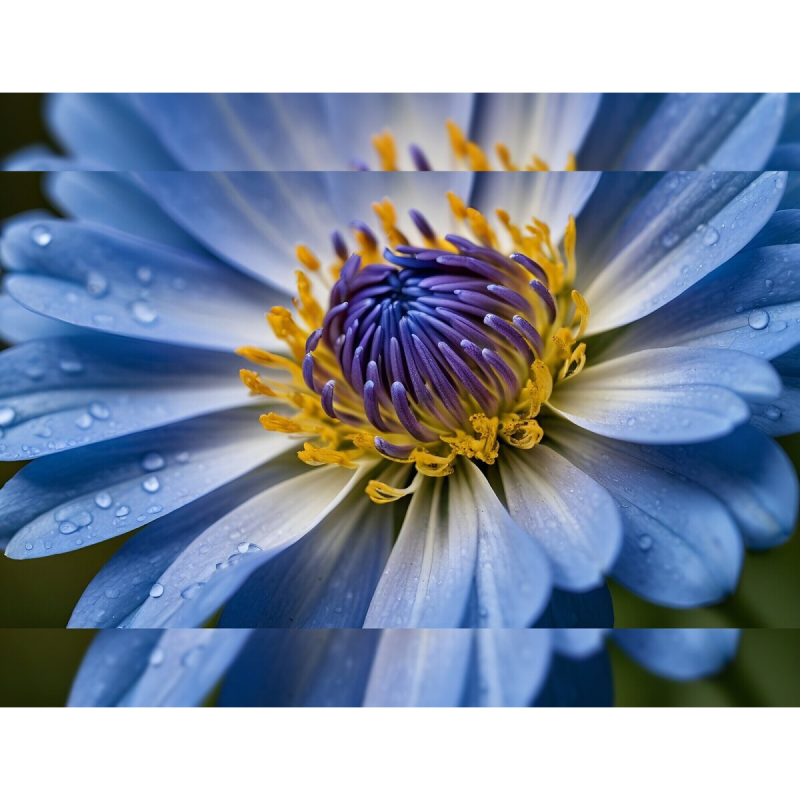
Easily resize image online in just a few simple steps:
Upload the image you want to resize.
Choose your resizing method: Resize the image by dimensions, percentage, aspect ratio, or for social media.
Select the desired format for your resized image.
Adjust the DPI if you need to change the image size for printing.
Click "Start" to quickly resize your image.
Освойте изменение размера изображений с Img2Go: быстрые настройки и оптимальное качество.
Читать статью
Быстро обрезайте изображения онлайн с помощью нашего простого пошагового руководства.
Читать статью
Используйте возможности сжатия JPG, чтобы упростить работу с визуальным контентом.
Читать статью

